
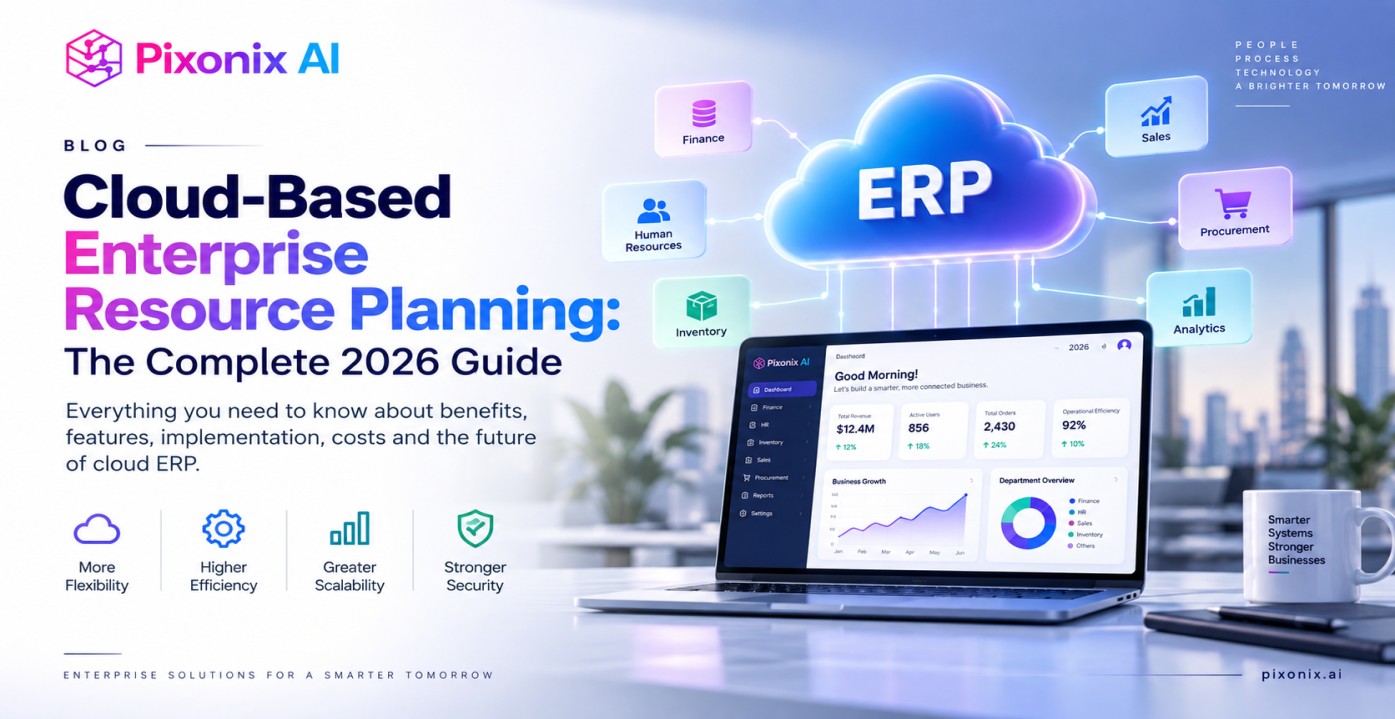
Cloud-based enterprise resource planning (ERP) is a business management system hosted on a vendor’s servers and accessed over the internet, rather than installed on a company’s own hardware. It connects finance, inventory, sales, HR, and manufacturing data in one platform, giving teams real-time visibility without the upfront infrastructure costs of traditional software. Cloud ERP adoption reached 64% in 2024, up from 44% in 2020, and the segment is projected to keep growing through 2026 and beyond (Panorama Consulting; Gartner).
This guide covers how cloud ERP works, its core benefits, how it compares to on-premise systems, the leading vendors and pricing in 2026, and what to expect during implementation.
What Is Cloud-Based Enterprise Resource Planning?
Cloud-based ERP is enterprise software delivered as a subscription service, hosted and maintained by the vendor rather than on a company’s own servers. Instead of purchasing hardware and licenses outright, organizations pay a recurring fee and access the system through an internet connection from any device, at any time.
This model shifts the responsibility for infrastructure, updates, and security patches to the provider, freeing internal IT teams to focus on configuration and adoption rather than maintenance. According to Gartner, cloud computing is expected to shift from a technology disruptor to a business necessity by 2028, and ERP is one of the categories driving that shift.
How Does Cloud ERP Work?
Cloud ERP runs on the vendor’s remote servers, with data transmitted securely over the internet and displayed through a web browser or mobile app. The provider handles server maintenance, software updates, and data backups, while the customer manages user access, configuration, and day-to-day operations.
Most cloud ERP platforms use a multi-tenant architecture, meaning multiple customers share the same underlying infrastructure while their data remains logically separated. This shared-infrastructure model is part of what allows vendors to offer predictable subscription pricing and rapid scalability compared to dedicated on-premise servers.
What Are the Key Benefits of Cloud ERP?
Cloud ERP’s core advantages are lower upfront costs, easier scalability, and reduced IT burden. Organizations that switch from on-premise to cloud ERP report savings of up to 40% by eliminating on-site servers and the associated IT overhead, according to ECI Solutions.
Additional benefits include:
- Lower upfront investment: Subscription pricing replaces large capital expenditures on servers and perpetual licenses.
- Scalability on demand: Adding users, locations, or modules typically requires a license change rather than new hardware.
- 24/7 remote access: Teams can securely access data from anywhere with an internet connection, supporting hybrid and distributed workforces.
- Automatic updates: The vendor pushes new features and security patches, so businesses always run current software without manual upgrade projects.
- Real-time data and reporting: Continuously updated data improves planning and speeds up decision-making across departments.
- Enterprise-grade security: Cloud providers typically invest in firewalls, penetration testing, and geographically redundant data storage that individual businesses, especially SMBs often cannot afford on their own.
Cloud ERP vs. On-Premise ERP: What’s the Difference?
The main difference is where the software runs and who maintains it: cloud ERP is hosted by the vendor and accessed online, while on-premise ERP is installed and maintained on a company’s own servers. Cloud ERP typically offers lower upfront costs and easier scalability, while on-premise ERP offers greater direct control over infrastructure and customization.
| Factor | Cloud ERP | On-Premise ERP |
| Upfront cost | Lower | Higher |
| Accessibility | Remote, from any device | Limited to on-premise network |
| Maintenance | Vendor’s responsibility | User’s responsibility |
| Scalability | Easily scalable | Limited without new hardware |
| Updates | Automatic, vendor-managed | Manual, performed in-house |
| Total cost of ownership | Predictable subscription fees | Higher due to maintenance costs |
Source: ECI Solutions, 2025
On-premise ERP still makes sense for organizations with extensive customization needs, strict data-residency requirements, or heavy legacy-system investments industries like aerospace, defense, and highly regulated manufacturing often fall into this category, per RFgen. For most growing and mid-sized businesses, however, cloud ERP’s lower entry cost and faster deployment make it the default starting point.
What Are the Different Cloud ERP Deployment Models?
Cloud ERP is typically deployed as a public cloud, private cloud, or hybrid cloud. Public cloud ERP runs on shared vendor infrastructure and offers the lowest cost and fastest deployment; private cloud ERP uses dedicated infrastructure for a single organization, offering more control at a higher price; hybrid ERP combines cloud and on-premise systems, often used during phased migrations or to support specific legacy workflows.
Organizations consolidating multiple ERP systems, or migrating gradually from legacy software, often use a hybrid approach to modernize without disrupting critical operations already tied to on-premise infrastructure.
How Big Is the Cloud ERP Market in 2026?
The global cloud ERP market is projected to reach between $56.53 billion and $76.17 billion in 2026, depending on the research firm’s scope, with Fortune Business Insights forecasting continued growth toward $207.59 billion by 2034 (Fortune Business Insights). Within the broader ERP category, 70% of new ERP implementations are now cloud-based, and cloud adoption among small and mid-sized businesses has climbed from 48% in 2023 to 67% in 2026, according to Gartner data cited by Technova Partners.
Gartner also reports that the cloud ERP segment is growing at a 17.4% compound annual growth rate (CAGR), compared to just 2.3% for on-premise systems a gap of roughly 7.5 times.
What Are the Best Cloud ERP Systems in 2026?
The best cloud ERP for a given business depends on company size, industry, and existing technology stack. Based on a comparative evaluation of module functionality, scalability, implementation ease, AI capabilities, and total cost of ownership, the leading platforms in 2026 include:
| Cloud ERP | Best For | Starting Price (2026) |
| Oracle NetSuite | Growing companies ($10M–$100M+ revenue) | $999/month + $99/user |
| Microsoft Dynamics 365 Business Central | Microsoft-centric organizations | $70/user/month |
| Odoo | SMBs with limited budgets | $13/user/month |
| SAP Business One (cloud) | Manufacturing and distribution | ~$95/user/month |
| Acumatica | Companies with many users | ~$5,500/month (consumption-based) |
| Sage Intacct | Finance-heavy organizations | ~$400/user/month |
Source: Technova Partners ERP Comparison, 2026
Oracle NetSuite leads the mid-market cloud ERP space with more than 37,000 customers across 200+ countries, largely because businesses can start with core accounting and expand into inventory, manufacturing, and HR without migrating platforms. Microsoft Dynamics 365 Business Central appeals to organizations already invested in Microsoft 365 and Teams, with its Copilot AI assistant automating tasks like reconciliations and order suggestions. Odoo remains the most budget-friendly option, bundling all 82 of its modules into a single per-user price.
Which ERP Modules Are Used Most?
Finance and accounting is the most widely used ERP module, adopted by 95% of organizations that run ERP software, according to Panorama Consulting’s 2024 ERP Report. Inventory and warehouse management follows at 69% adoption, sales and CRM at 65%, procurement at 61%, and HR and payroll at 58%. This pattern shows that financial reporting and compliance remain the primary drivers of ERP adoption, even as cloud platforms expand into broader operational functions.
How Much Does Cloud ERP Implementation Cost?
A mid-size ERP implementation costs an average of $7.1 million and takes 17.4 months to complete, according to Panorama Consulting’s 2024 research though cloud deployments are generally faster and less capital-intensive than on-premise projects of similar scope. Even so, 55% of ERP implementations exceed budget and 68% run past their planned timeline, and only 61% of projects meet their original objectives, per Mint Jutras.
The median time to positive ROI is 2.5 years, according to Nucleus Research, though well-executed implementations can cut operational costs by as much as 23%. Poor data quality is the leading cause of implementation failure, cited by Gartner, with 62% of organizations naming data migration as their biggest challenge during rollout.
What’s Next for Cloud ERP? 2026 Trends
The most significant shift in cloud ERP for 2026 is the integration of generative AI and autonomous agents that turn ERP from a passive system of record into a proactive operational assistant. Examples include Microsoft Dynamics 365 Copilot, which drafts product descriptions and reconciles accounts automatically, and NetSuite AI, which forecasts demand and flags account anomalies without manual review (Technova Partners, 2026).
IoT integration is also expanding, allowing cloud ERP systems to pull real-time data from connected devices to improve supply chain visibility and production planning. As these capabilities mature, the gap between cloud and on-premise ERP functionality is expected to widen further in the cloud’s favor.
Frequently Asked Questions
Is cloud ERP more secure than on-premise ERP?
Neither model is inherently more secure—the responsibility is simply divided differently. Cloud providers secure the underlying platform with enterprise-grade firewalls and redundancy, while the organization remains responsible for user access, integrations, and compliance.
Can cloud ERP be customized?
Yes, though typically through configuration, APIs, and vendor-supported extensions rather than direct access to the source code. Organizations with extensive custom requirements should evaluate this limitation before migrating from an on-premise system.
How long does it take to implement cloud ERP?
Cloud ERP deployment timelines are generally shorter than on-premise implementations because the vendor manages the underlying infrastructure, though the exact timeline depends on company size, data migration complexity, and the number of integrations required.
Can a business use both cloud and on-premise ERP?
Yes. This hybrid approach lets organizations modernize gradually while preserving legacy systems tied to specific facilities, regulatory requirements, or custom workflows.